
How to Score a Baseball/Softball Game
Live stats!

So you're interesting in scoring a game. Maybe you're keeping stats for a team where the parents don't want to pay whatever ungodly sum GameChanger is charging this year or maybe you're keeping stats for a broadcaster or maybe you're just the kind of person who always brings their own scorebook to Fenway Park. You don't have to be an official representative of a team, either. Literally anyone can use this.
Either way, I've built a live scoring app that's customized for Maine high school sports. It's a trial run for the larger project of a customized live scoring app for basketball and my goal of a much, much easier to read live stats view for the tournament. I might also make a football version.
Here's a quick primer.
Pre Game
First, check a team's roster is on their team page. If it's correct, you're good to go! If there's nothing there or needs players added, you can do that easily here:
If the game is on the schedule, you should be able to select it.
Here's your settings, which you probably don't need to worry about. You could score only one team, but I'm not sure why you'd want to.
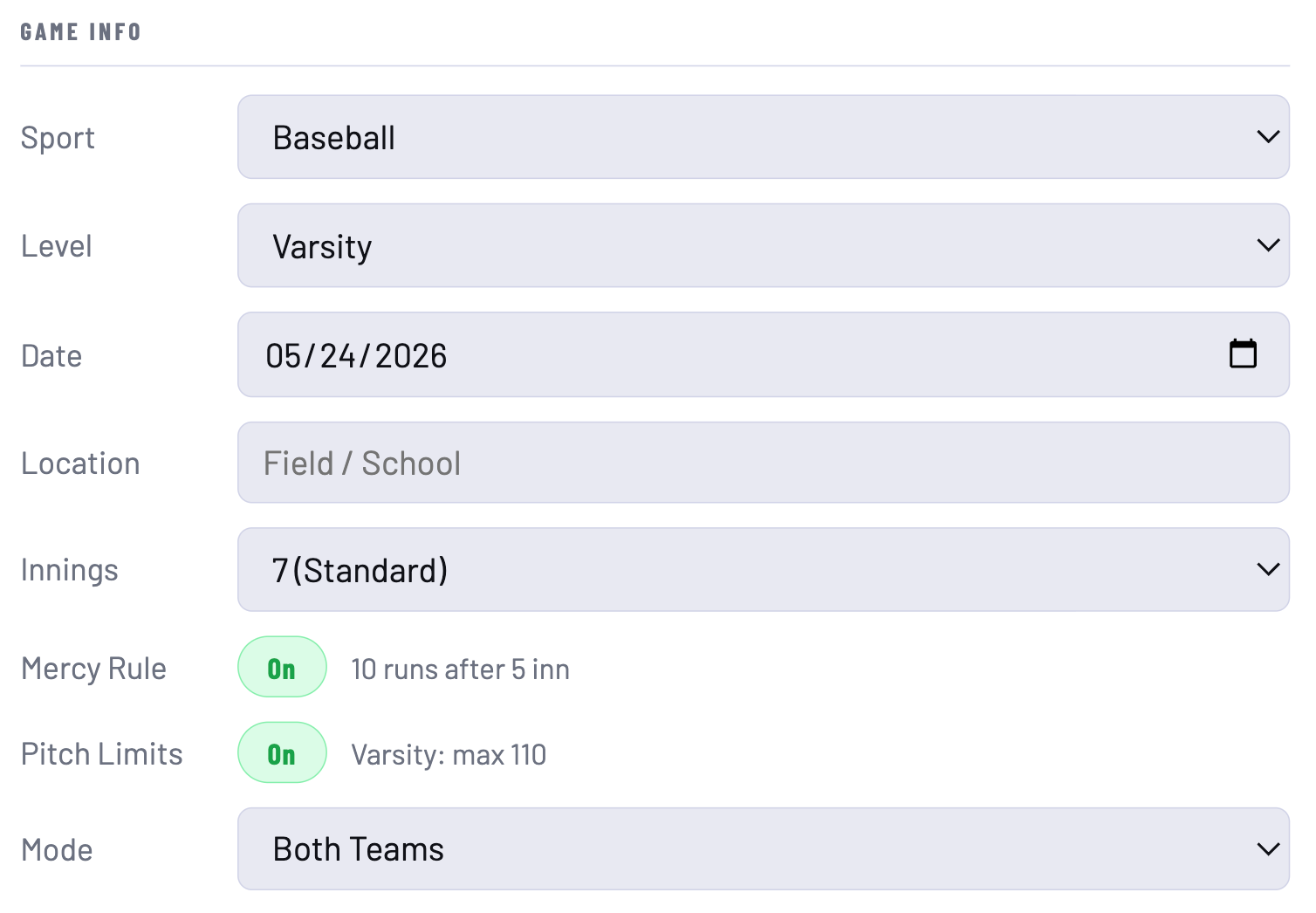
If the roster is there, it should auto-populate when you pick the game from the list. But for these purposes, I'll use a Marshwood/Cheverus game, because I'm writing this on a day with no games on the schedule.
If the schedule loads, it'll look something like this. Click on the +LU to add a player to the lineup.
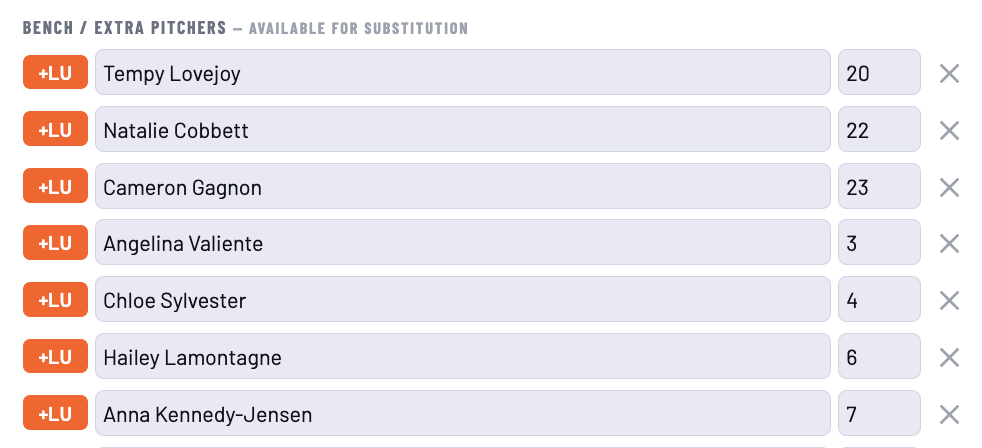
Like so:
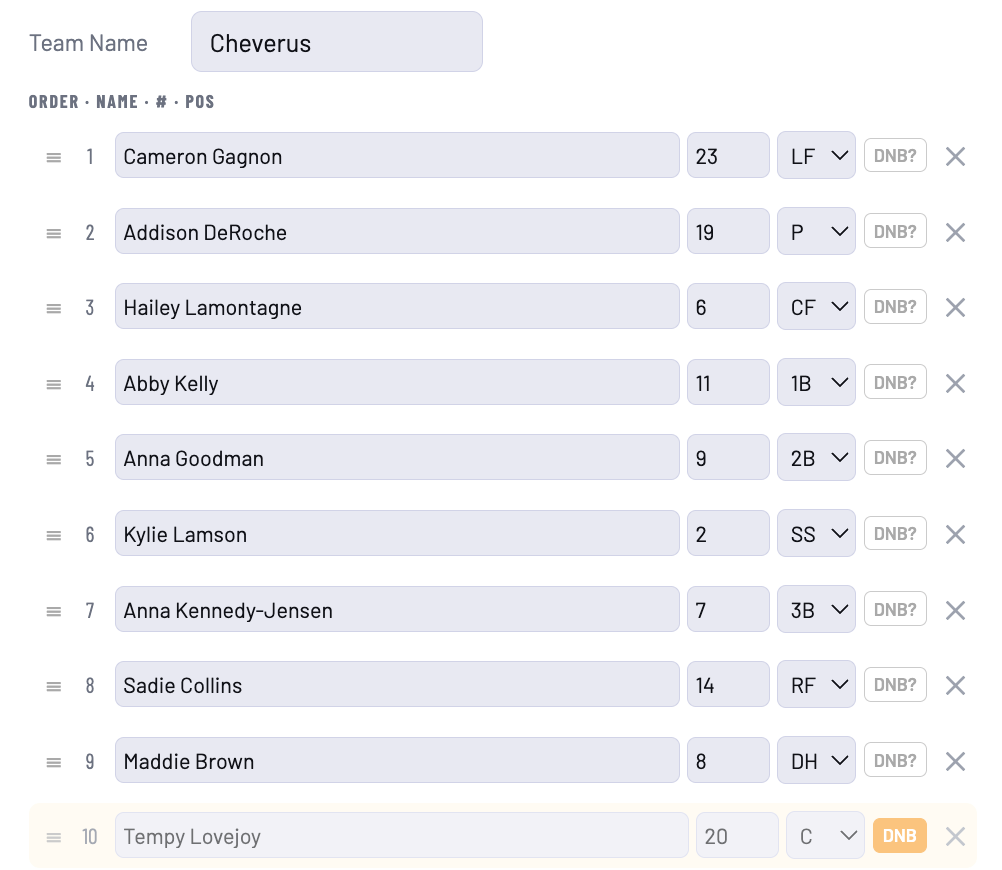
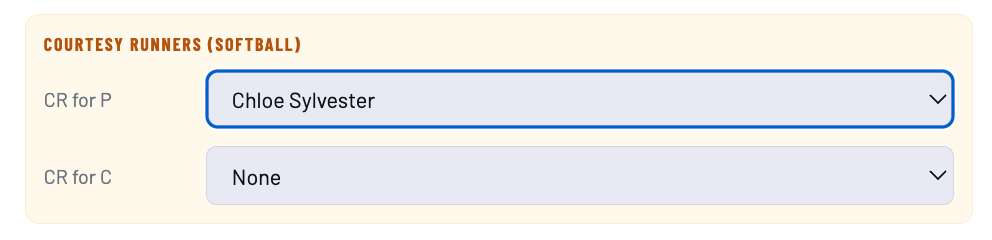
Pretty self-explanatory. If you want the pitcher to not hit (or if you've got a softball flex player who won't hit), you can mark them as "DNB" (Does Not Bat). Here Tempy Lovejoy is the flex. In softball, you can also designate a courtesy runner for the pitcher and catcher.
I've turned on test mode for this, which you can also do if you'd like to play around with it the scoring (recommended). If you do a game for real, it'll show up on the scoreboard for all to see (more on that later).

And away we go!
The Game
Here in a couple of different places you'll see confirmation that this is a test game. It'll also tell you if you've successfully linked to the game in the schedule.
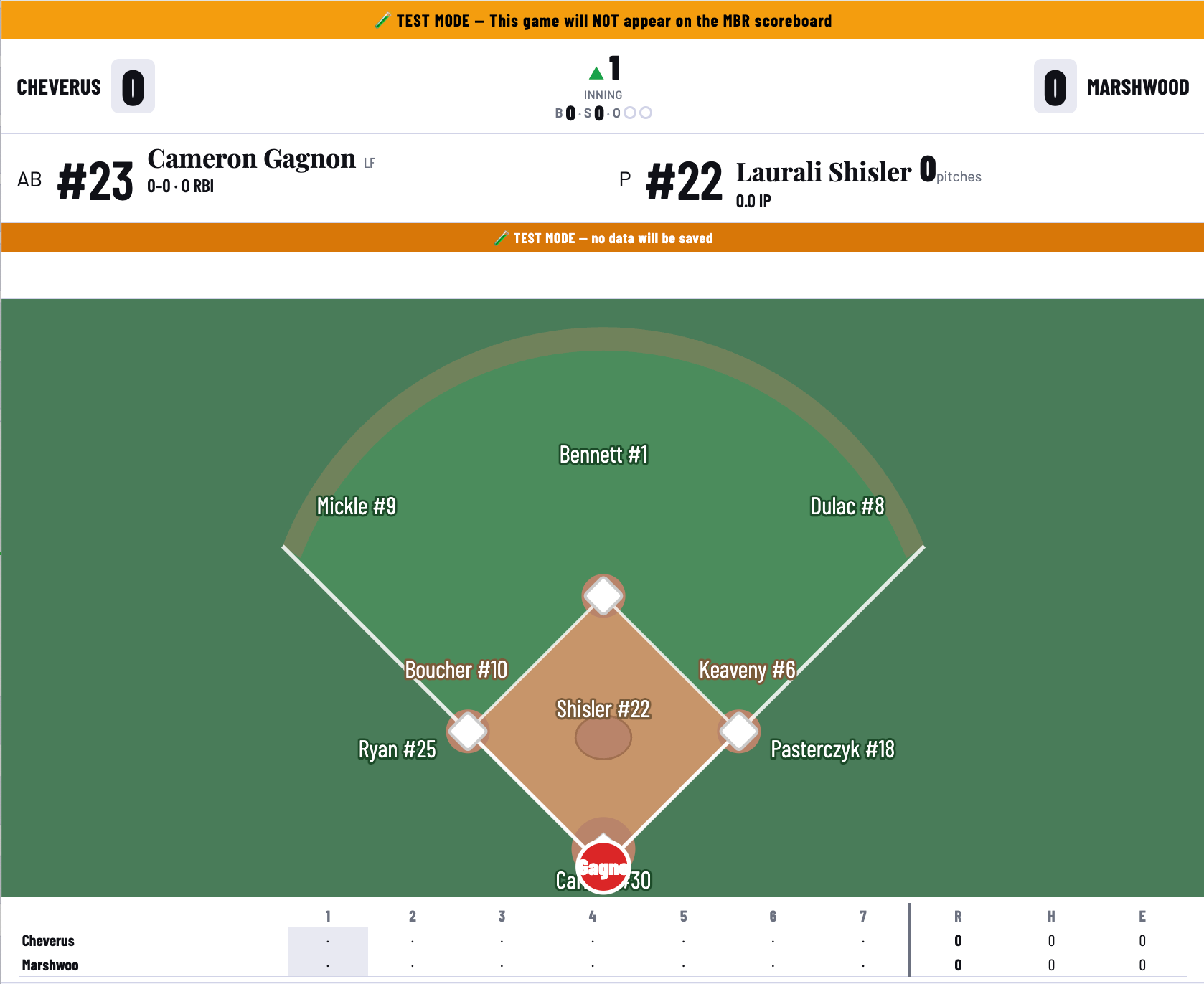
The rest of this is easy to figure out. You've got your leadoff hitter, pitcher, and you can see who's who in the field.
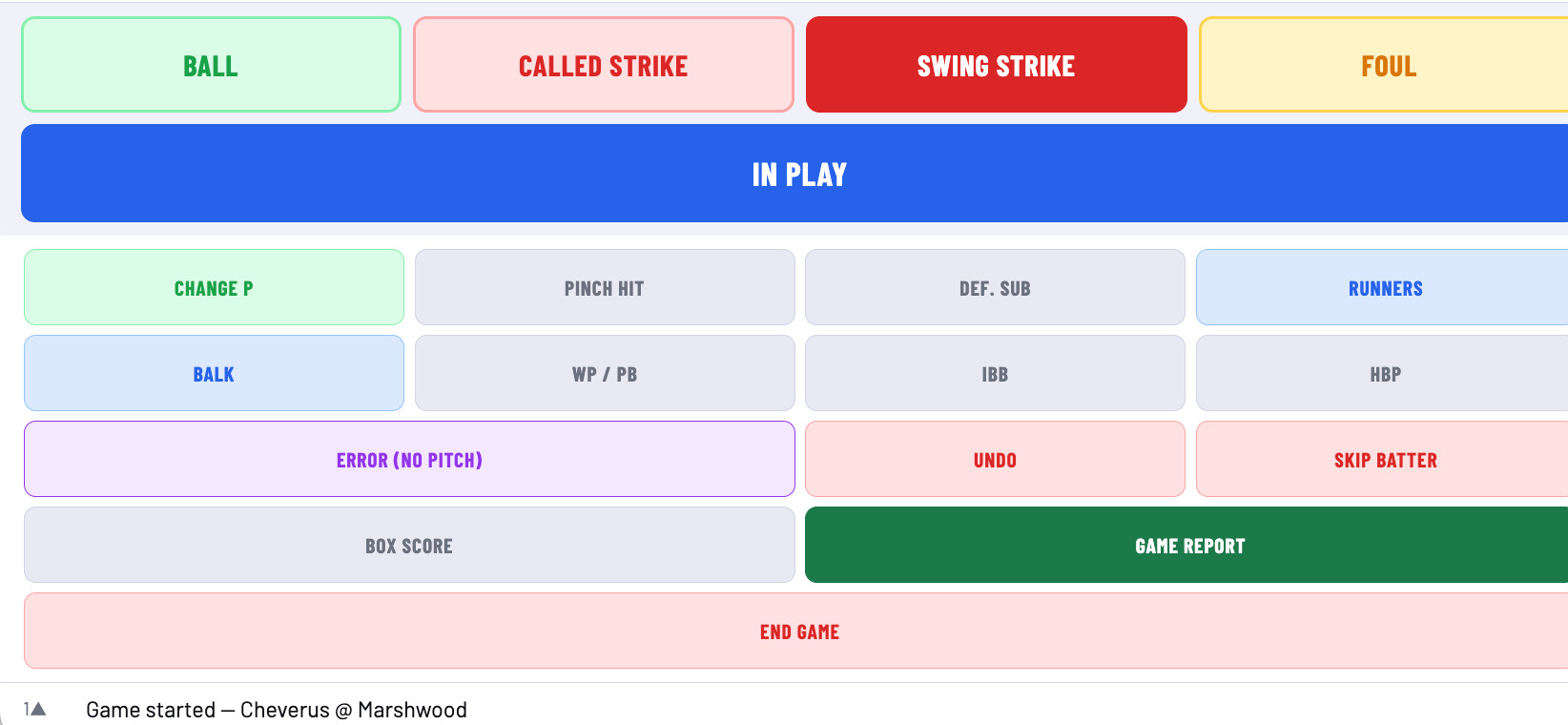
Below that, you've got your primary menu of actions. Ball and strikes and foul balls.
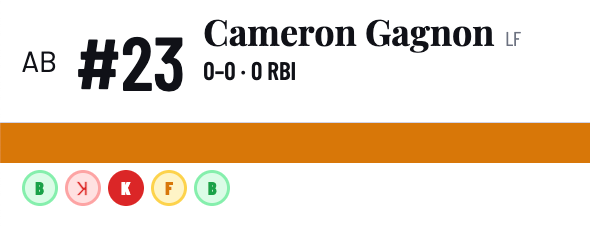
You'll see the balls and strikes update below the batter.
Cameron Gagnon singled in this game, so we bring up the "IN PLAY" menu. You can do a lot here. Single/Double/Triple/Home Run is easy to figure out.
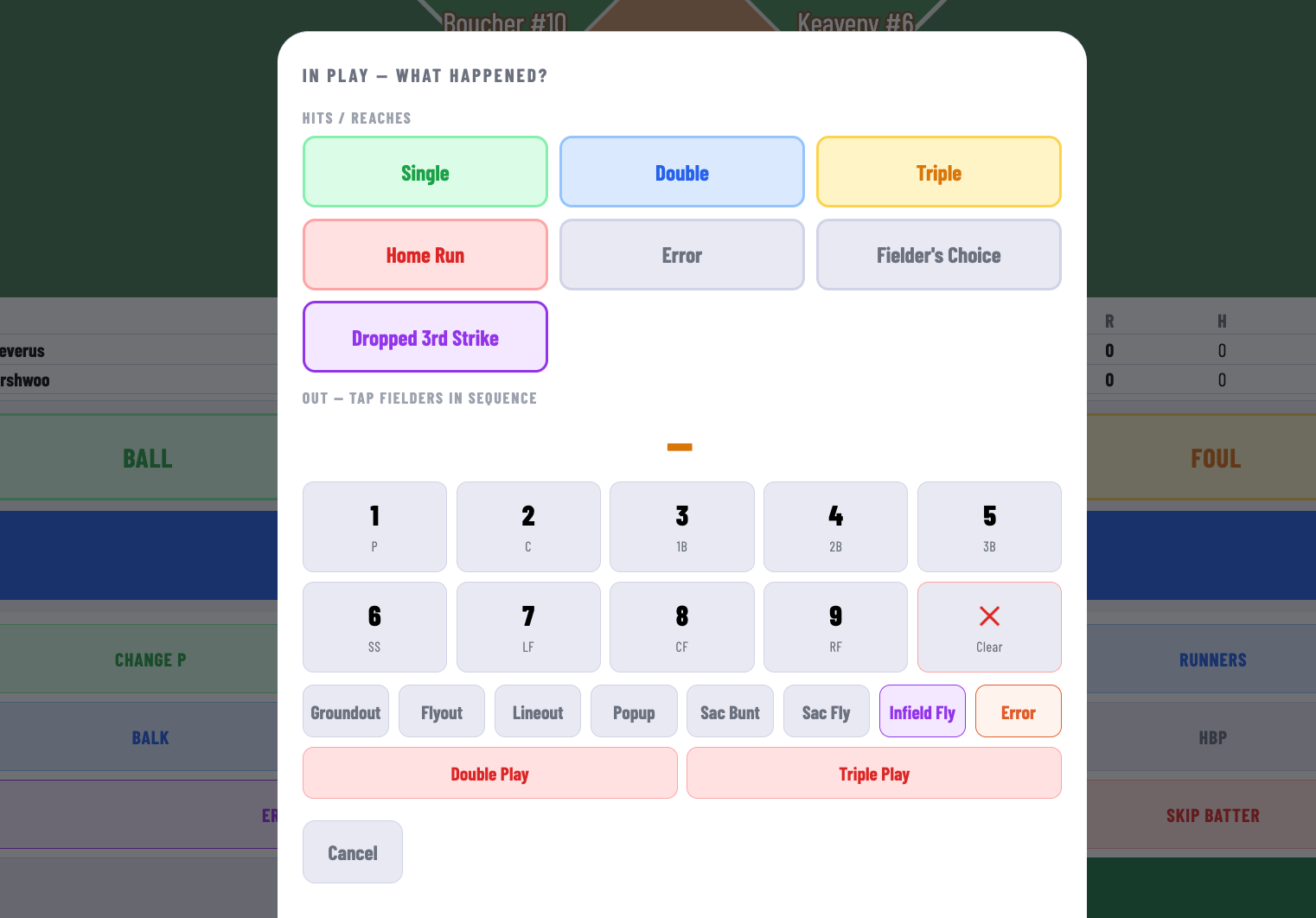
If she had, say, grounded out to the shortstop, you can designate that.
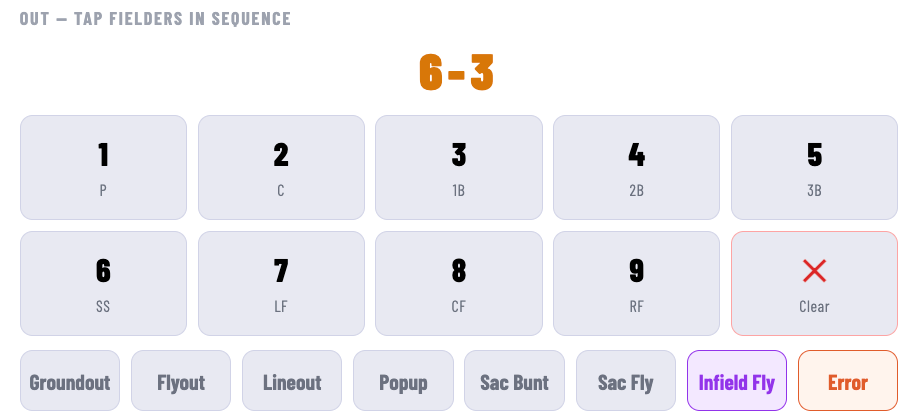
But she singled, so we'll put her on first.
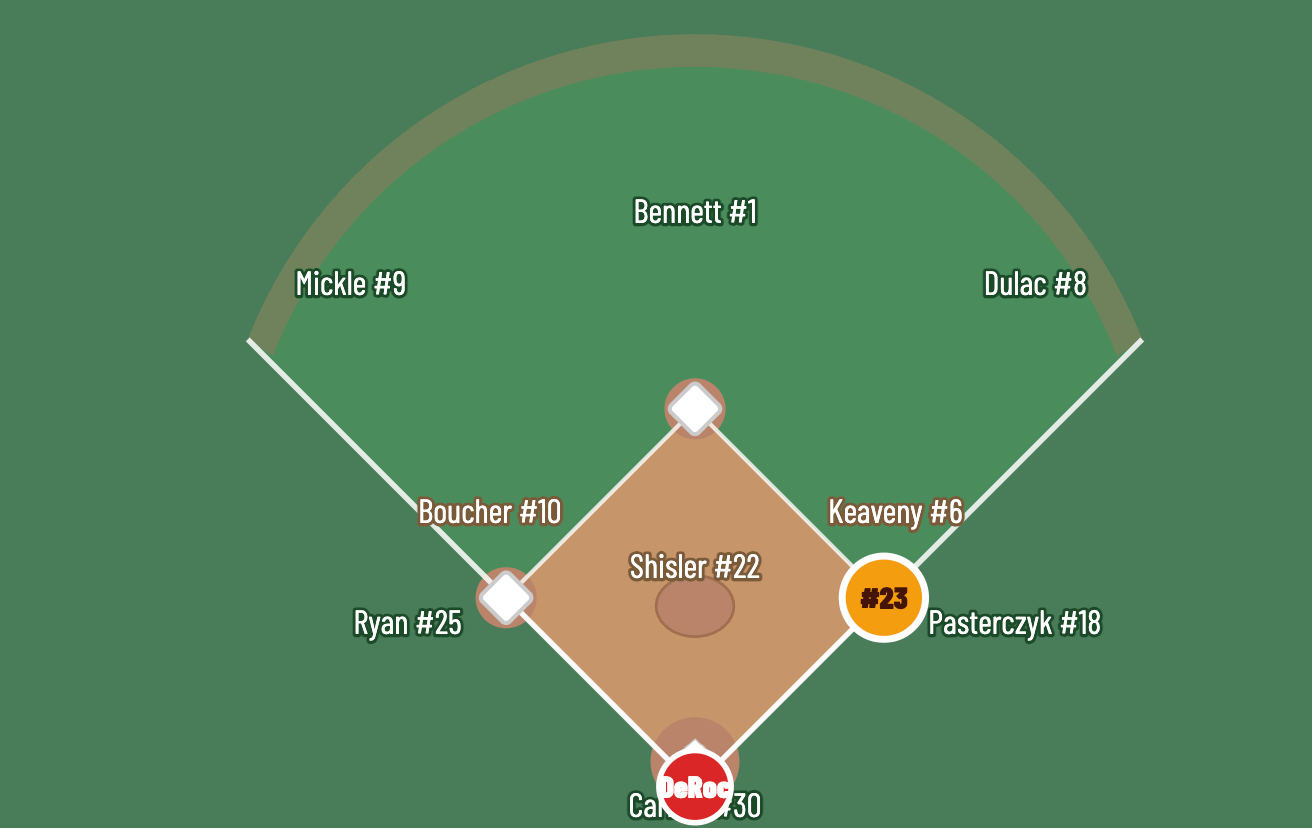
She then stole second, so we bring up the runners menu. It auto-selects Gagnon, since she's the lone runner. Here you can have her steal. You can have her caught stealing.
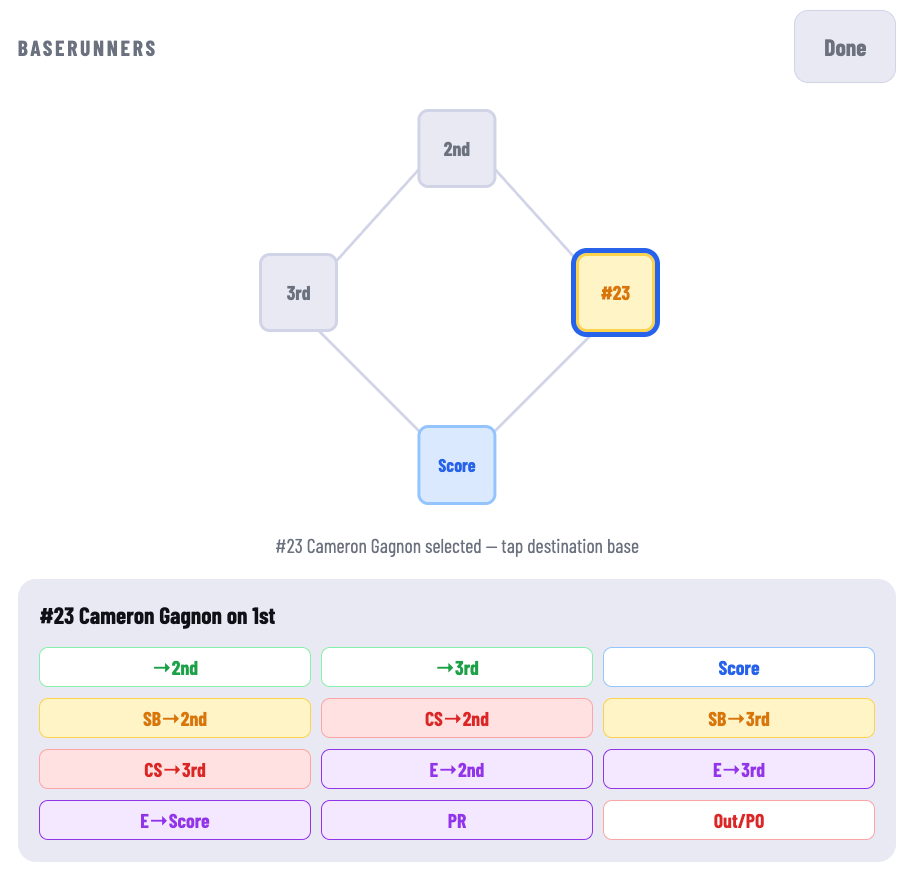
She stole second and then went to third on an error. So we hit SB --> 2nd. Normally you'd be done, but we've gotta send her to third, so we click on her on 2nd.
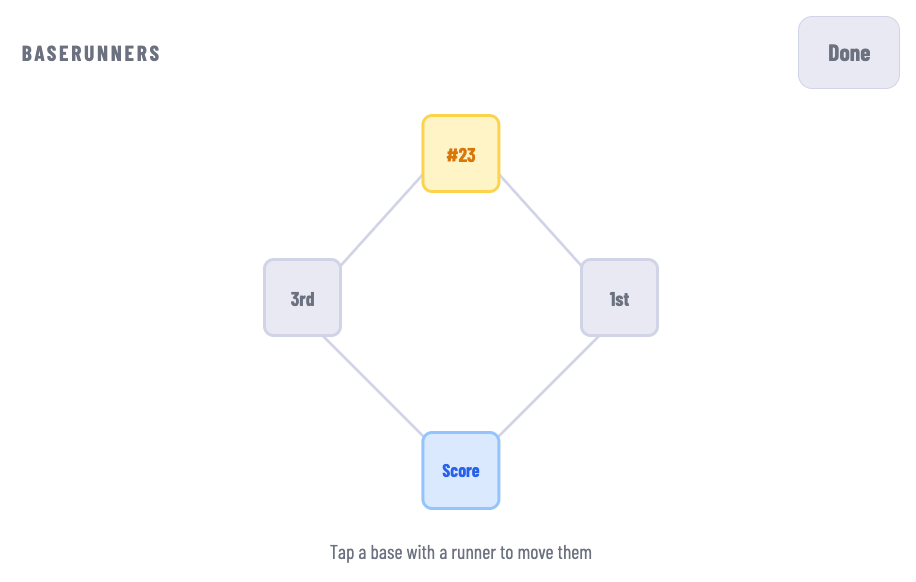
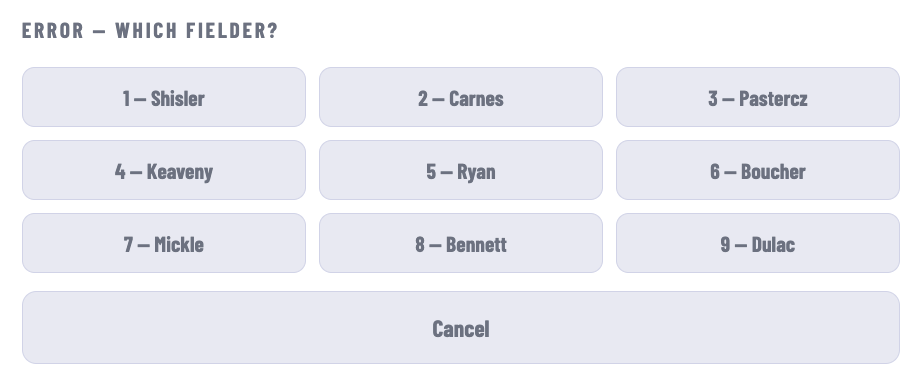
And send her to third on an error.
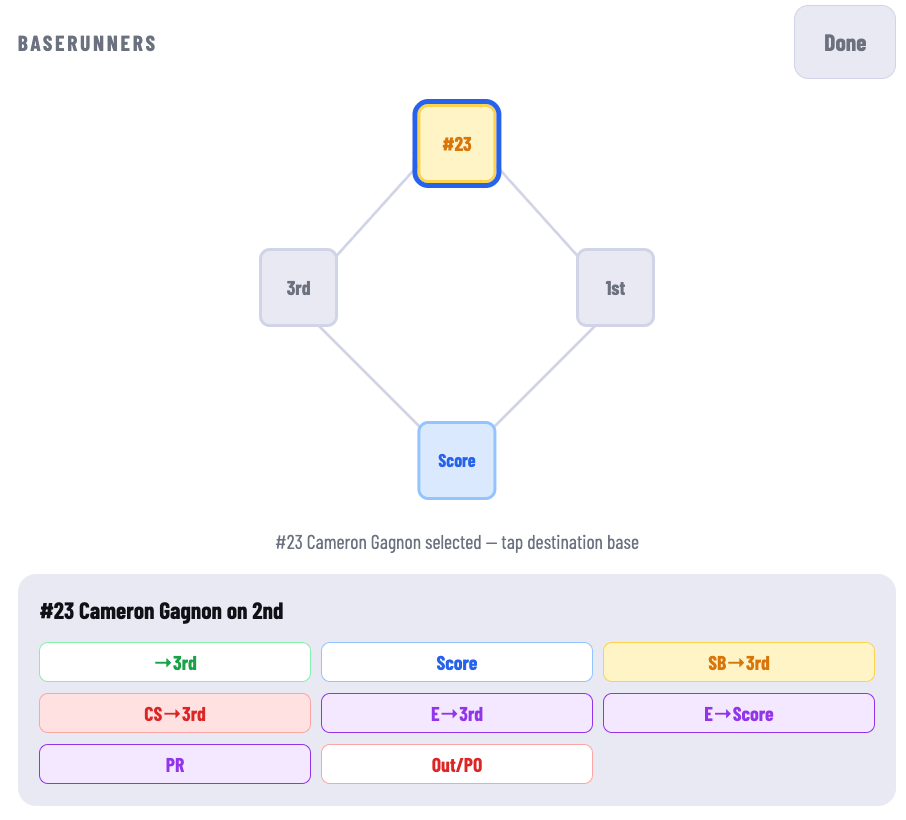
Which we can then assign.
I'm going to deviate from here and make up my own game. Addison DeRoche is the next batter and let's have her get intentionally walked (for very good reasons) and bring up Hailey Lamontagne with runners on the corners. I'm going to have her single, which brings up the runner advancement menu.
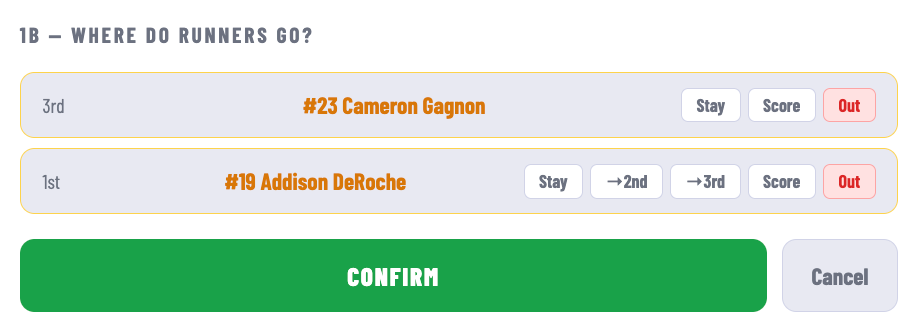
This will tell you the name and uniform number of each of the runners and which base they started on. You can hold them where they are or move them where they end up (and if you need to, say, move DeRoche to 2nd and then to 3rd on an error, you can do the second part in the runner menu.
If you want to check the sequence, you can see that below.
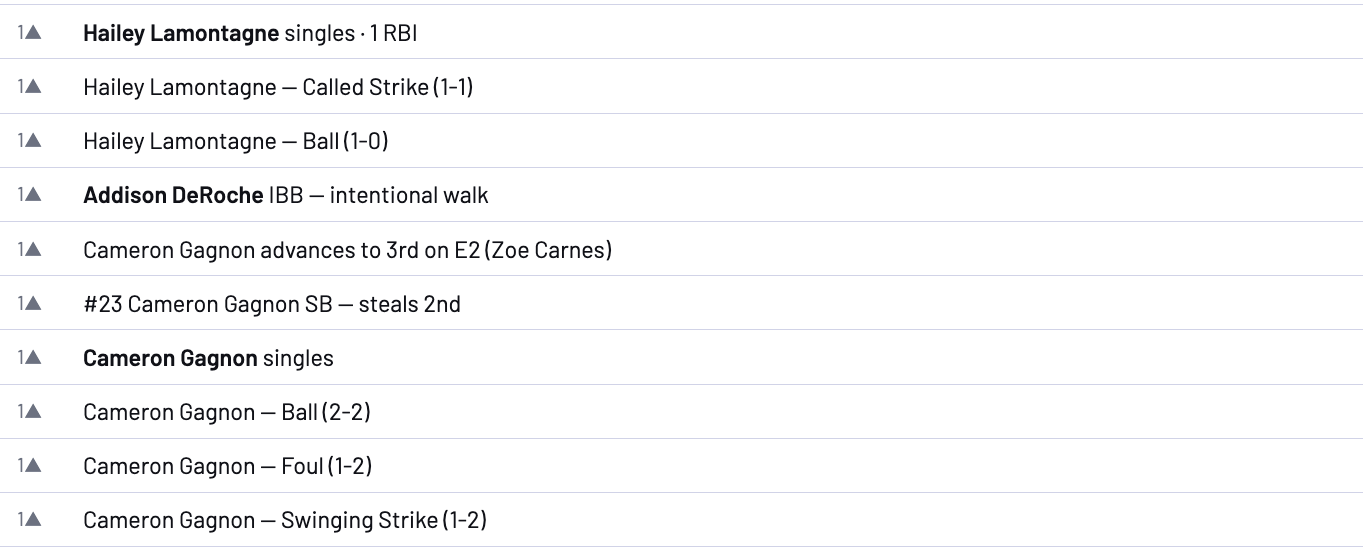
And the next time Hailey Lamontagne comes up, we'll see a handy stat summary and her previous at bats.

You can also see the pitcher's stat line.

One thing this scoring app does that GameChanger does not is sync with the scoreboard so you can see what's happening in the game at a glance from the scoreboard on the website.
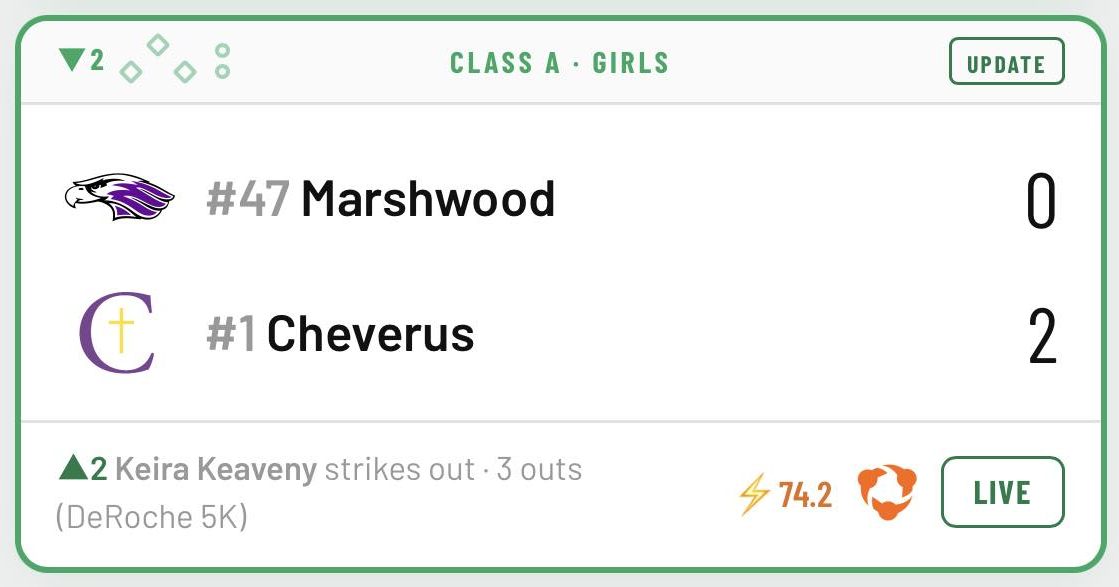
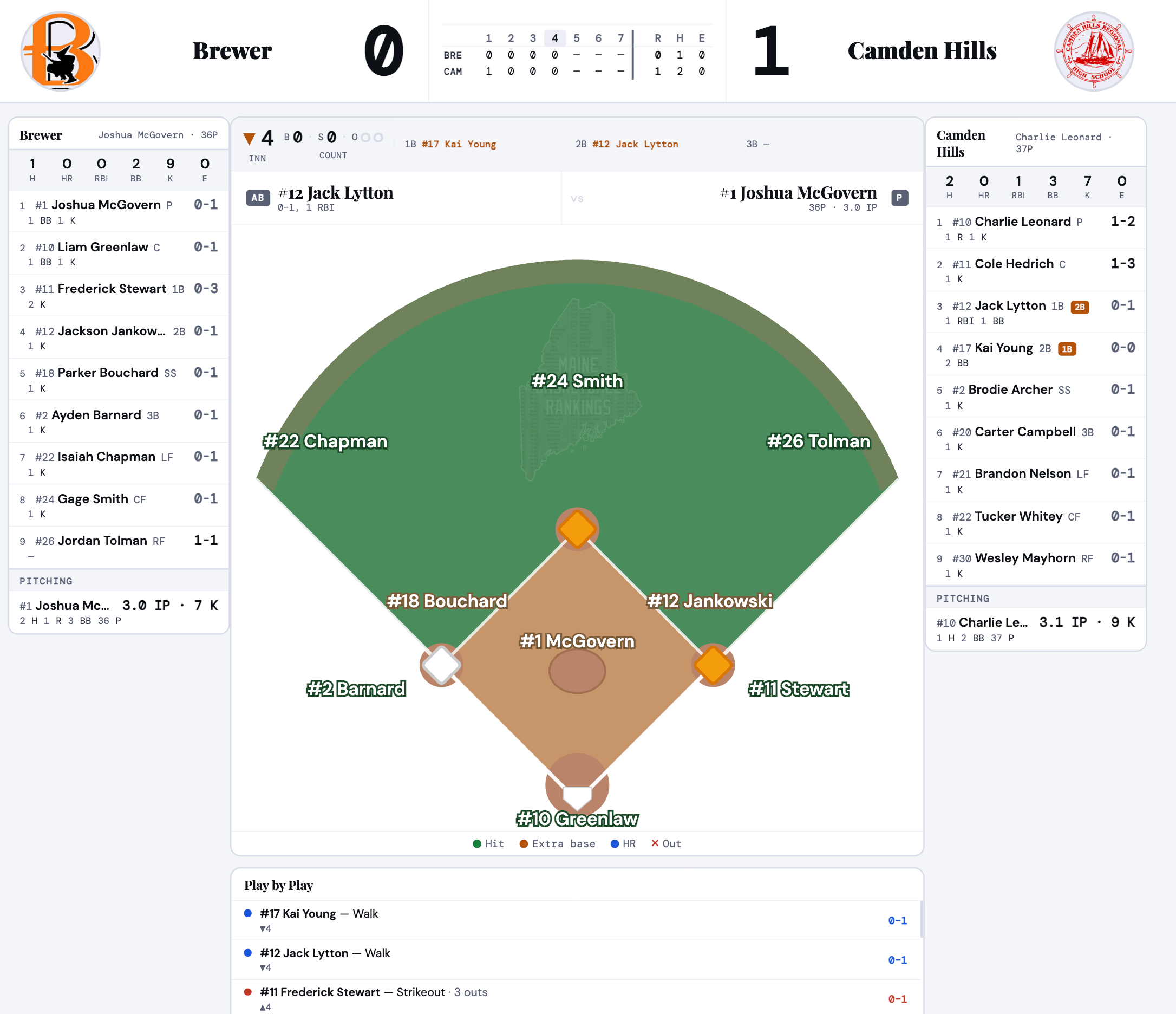
It'll also tell you the Stax Index and a probable link to wherever the game might be streaming. You can also click on LIVE and it'll give a GameCast-type view that'll look something like this:
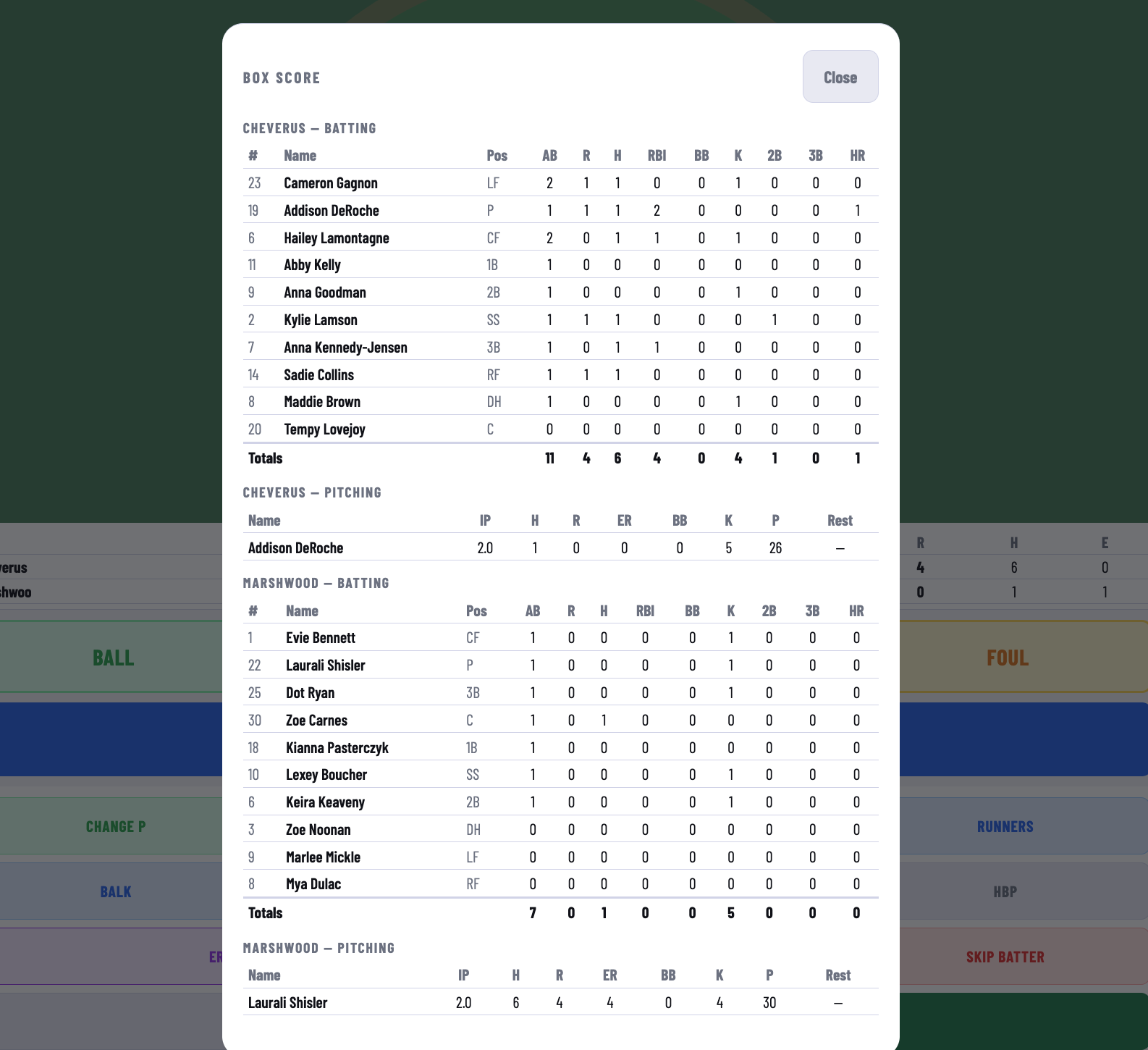
Back to the game. You can bring up the box score mid-game if you want to check something.
And it all kind of stems from there. If you need to pinch hit, that's easy enough.
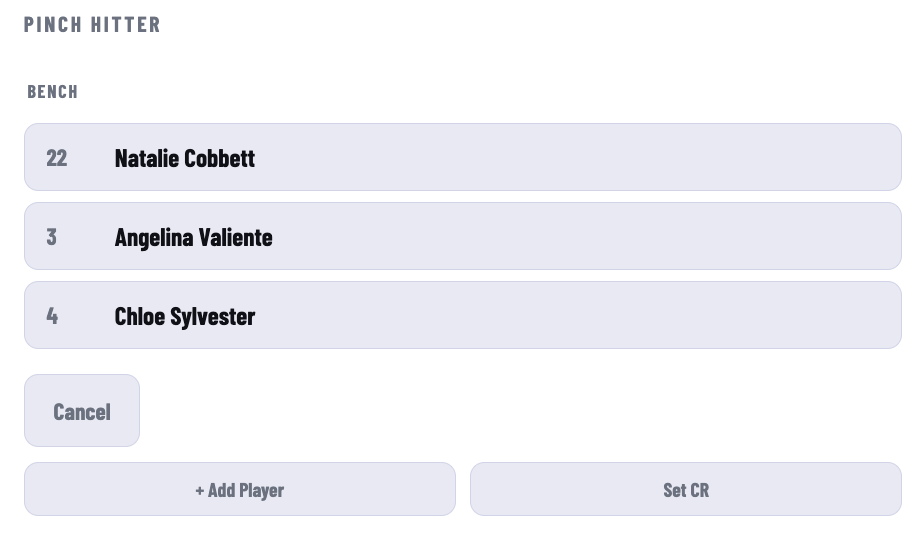
And if the pinch hitter isn't in the roster you started with, you can add them. It'll default to the position of the player you're pinch hitting for. Once you've created the player, they'll be added to the list of available subs.
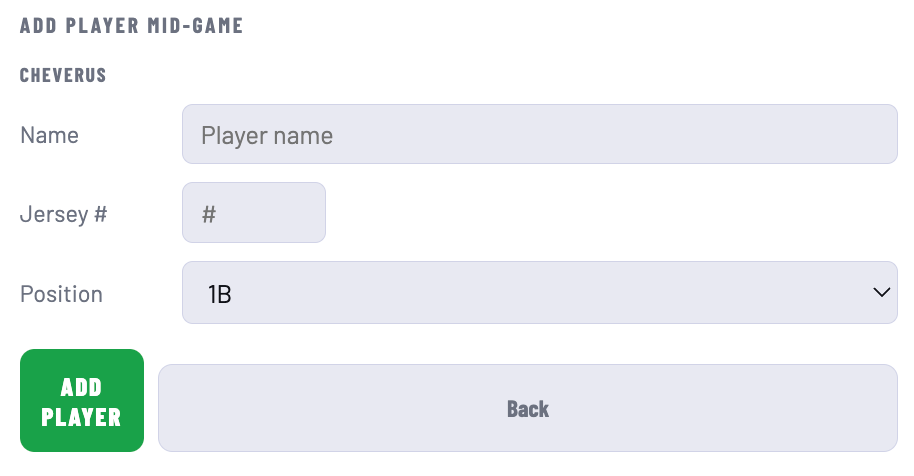
Of course, you can also make a defensive substitution.
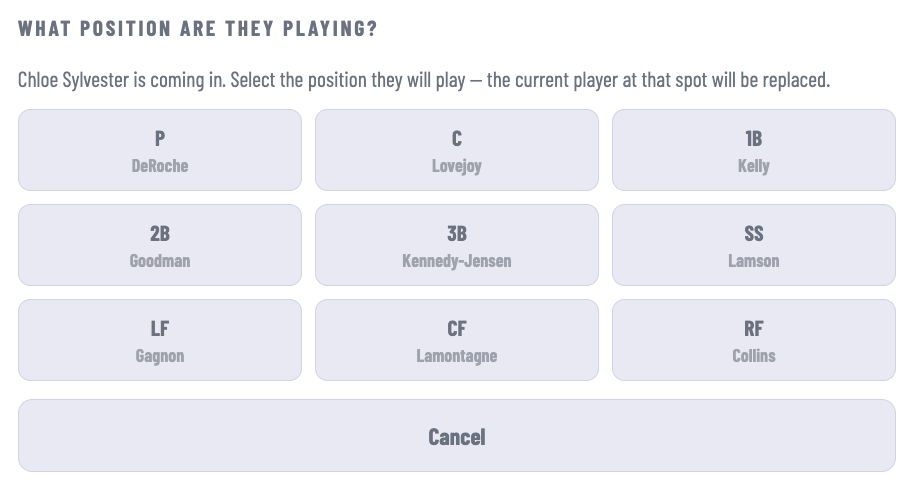
This is also how you change a pitcher. And then there's the inevitable shuffle of subs and position shifts and since there's no big scoreboard showing all the changes (who's that out in center field???), you do your best.
We went back and forth on all the rules of how the game should end--mercy rules and all that--until we realized it was easier to just add a button called "End Game". It might be raining, after all.
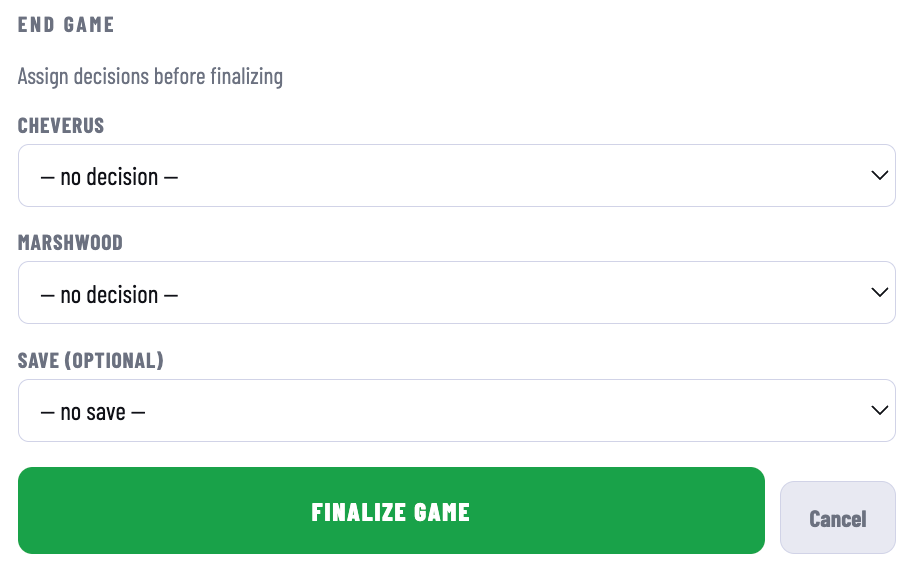
It'll create a Game Report you can send to the newspaper or whoever and there you go. The final score will then immediately show up in the Heal Points.
Simple as that!



Comments ()